The Best CRM for Small Business — And How to Pick the Right One
Picking the best CRM for small business sounds like a software decision. It's really a follow-up decision. A CRM is where every lead, customer and conversation lives, so the right one is the one your team will actually open every day. We set these up for clients as part of our email, CRM and automation work, and the pattern is always the same: the businesses that win don't have the fanciest tool. They have one that fits how they sell.
Below is an honest shortlist, what each option really costs, and the five questions that decide it. If you've already narrowed it to two, our GoHighLevel vs HubSpot breakdown goes deeper on the comparison most owners end up making.
What a CRM Actually Does
CRM stands for customer relationship management. Strip away the jargon and it does three jobs. It keeps one record per person, with every call, email, text and note in one place. It shows where each lead sits in your sales process, from new inquiry to booked to paid. And it reminds you, or does it for you, when someone needs a follow-up.
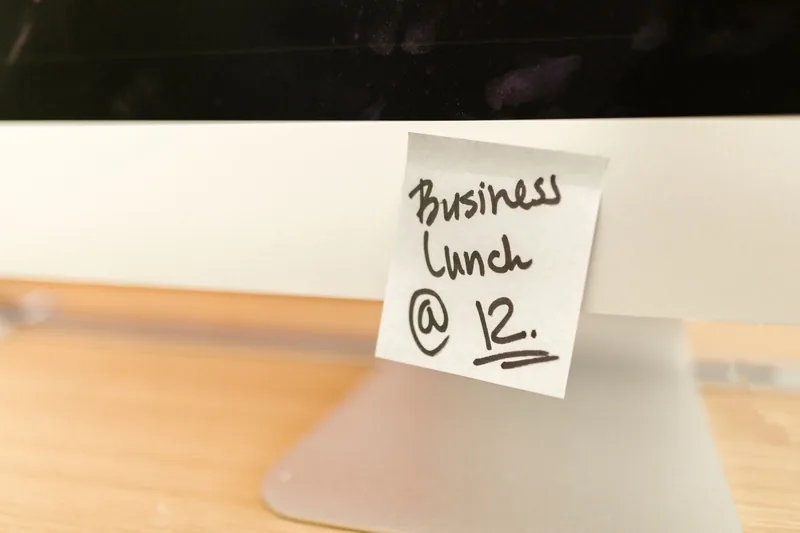
What it replaces is usually a mix of sticky notes, a spreadsheet, an inbox and someone's memory. That works until leads come from three places and two people are answering them. Then things fall through the cracks, and the cracks are where your revenue goes.
Sales CRM vs Marketing CRM
This is the split most comparison lists skip. A sales CRM is built around a pipeline and the people working it: deals, stages, tasks and rep activity. A marketing CRM is built around reaching people automatically: email and text sequences, forms, booking, and marketing automation that runs without anyone pressing send.
Most small businesses need more of the second than they think. You probably don't have a sales team. You have an owner, maybe a front desk, and a stream of inquiries that need a fast reply. So when people ask us for the best marketing CRM, the real question is which tool will follow up for you when you're busy doing the actual work.
The Shortlist: Five Honest Picks
Prices below are the starting prices listed on each vendor's own site as of October 2026. They change, so check before you buy.
HubSpot — best free starting point
HubSpot's free CRM covers up to two users and 1,000 contacts with no expiration, and paid Starter plans start at $15 a month per seat. It's easy to learn and the reporting is excellent. The catch is the per-seat model: add people and features and the bill climbs quickly.
GoHighLevel — best all-in-one for service businesses
Full disclosure: this is what we run most clients on. GoHighLevel bundles CRM, email, texting, booking, forms and automation in one flat price, starting at $97 a month with unlimited users and contacts on its pricing page. It's powerful but not plug-and-play. Someone has to build it. Our GoHighLevel pricing guide covers what you actually pay once it's running.
Zoho CRM — best budget sales CRM
Zoho CRM is free for up to three users, with low-cost paid tiers after that. It's a solid pipeline tool and fits businesses that sell through calls and quotes. Expect to connect other tools for texting and email sequences.
Salesforce Starter — best if you plan to grow a sales team
Salesforce's small-business Starter starts at $25 per user per month. It's the most room to grow, and the most to learn. Worth it if you're hiring reps. Overkill if it's you and a phone.
Your email platform — best if you sell online
If you run an online store, the contact database in your email platform may be all the CRM you need for now. Our list of the best email marketing platforms covers which ones handle customer data well.

Five Questions That Decide It
- Who logs in? One person or ten changes the math. Per-seat pricing is cheap at one seat and expensive at eight.
- Where do your leads come from? Forms, calls, ads, walk-ins, DMs. The CRM needs to catch all of them, or your lead generation spend leaks before anyone replies.
- Do you need texting and booking? For appointment-based businesses, yes. Two-way texting and online booking inside the CRM beat stitching three tools together. Our guide to SMS marketing covers the rules.
- Who's going to build it? A powerful CRM nobody sets up is a very expensive address book. Be honest about whether you'll do it or hire it out.
- What does it need to connect to? Your website forms, calendar, payment tool and ad accounts. Check the connections before you sign, not after.
The Setup Matters More Than the Brand
We've seen businesses thrive on a basic CRM and struggle on an expensive one. The difference is almost always the setup. Three things move the needle.
A pipeline that matches reality. Four or five stages, named the way your team talks: New Lead, Contacted, Booked, Won, Lost. If you need a training session to understand the stages, there are too many.

Instant follow-up. Every new lead should get a reply within minutes, by text or email, even when you're on a job. That one automation usually pays for the whole system. From there, add the email flows that make money: welcome, reminders, review requests and win-back.
Numbers you can read. You should be able to see how many leads came in, from where, and how many turned into customers. That's where marketing analytics comes in, so you know which channels deserve more budget.
Mistakes to Avoid
- Buying for features you'll never use. Pick for the three jobs you need done this year.
- Paying for seats nobody uses. Audit logins every few months.
- Migrating a mess. Clean up duplicate and dead contacts before you import. Bad data follows you to the new tool.
- Switching to fix a process problem. If leads aren't followed up today, a new CRM won't change that by itself. Fix the follow-up first.

Where to Start
Write down where your leads come from and who answers them. If it's one or two people and a few leads a week, start on a free plan and build the habit. If you're juggling texts, calls, ad leads and bookings, an all-in-one marketing CRM will save you hours a week, as long as someone builds it properly. The work we've done for clients across industries starts in the same place: one pipeline, instant follow-up, and numbers the owner can read.
Frequently Asked Questions
Not sure which CRM fits?
Book a free 30-minute call. We'll look at how your leads come in and tell you what we'd set up, even if that means staying where you are.
Book a Free CRM Call